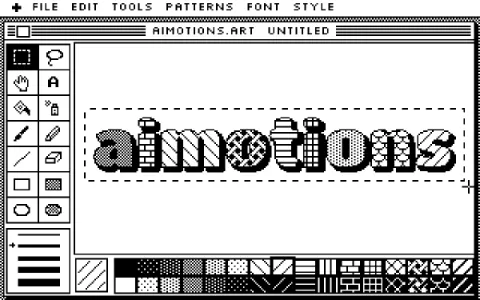
90s Desktop OS Window
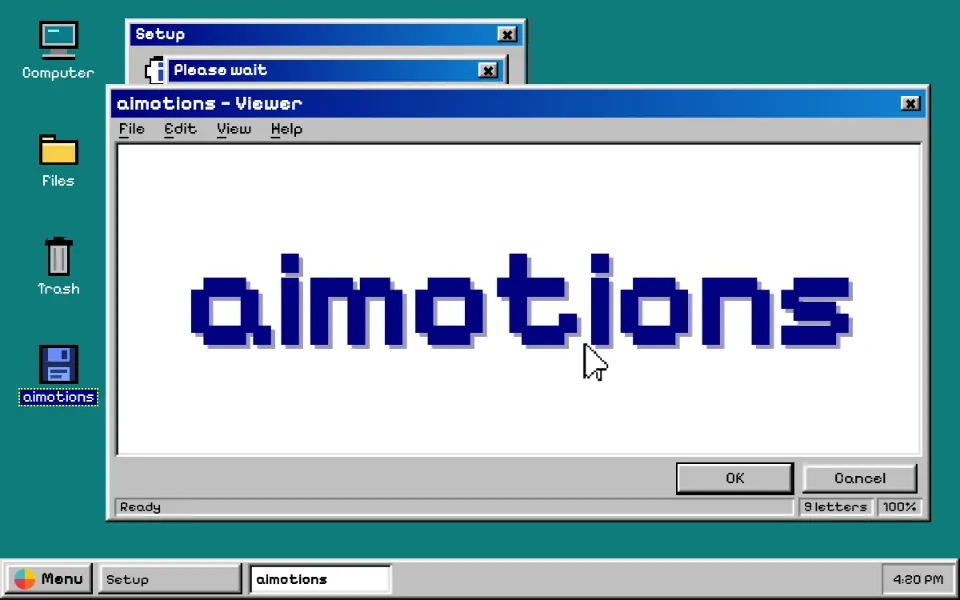
A 90s desktop text animation: a pixel cursor double-clicks an icon, a setup dialog fills its progress bar and a beveled gray window shows the word huge. Teal desktop, cascading dialogs and a taskbar; for nostalgic launches and vaporwave edits.
Prompt · replace [TEXT]
Tool-agnosticRecreate a mid-1990s desktop operating system around [TEXT]. Flat teal desktop with a column of small pixel-art icons, a light-gray taskbar with a menu button, task buttons and a sunken clock. Everything uses hard 3D bevels: light-gray faces, white top-left edges, dark-gray and black bottom-right edges; title bars are a navy-to-blue gradient with bold white pixel text and tiny square caption buttons. A chunky black-and-white arrow cursor double-clicks an icon, an outline rectangle zooms open, the cursor turns into an hourglass while a Setup dialog fills a segmented blue progress bar, then several dialogs pop up instantly in a diagonal cascade. The top window shows [TEXT] huge in dark navy pixel type on white, with menu and status bars. Hold, then the cursor clicks OK, windows vanish, loop. No animation easing on windows: they appear instantly.
Visual DNA
- Teal desktop, pixel icons with dotted selection and a beveled gray taskbar
- Raised and sunken 3D bevels in pure gray, white and black
- Navy-to-blue gradient title bars with tiny caption buttons
- Instant pop-in windows cascading diagonally, outline zoom on open
- Segmented blue progress bar and hourglass wait cursor
- Chunky black-and-white arrow cursor with a pressed OK button
- Category
- Retro Computing & Games
- Demo built with
- CSS
- Energy
- Calm
- Background
- Light bg
Also known as
Support
Keep aimotions free
Buy me a coffee No paywall, no sign-up. If a prompt saved you an hour, a coffee keeps new styles coming.
Keys: ← → browse · C copy