Tape Loading Screen
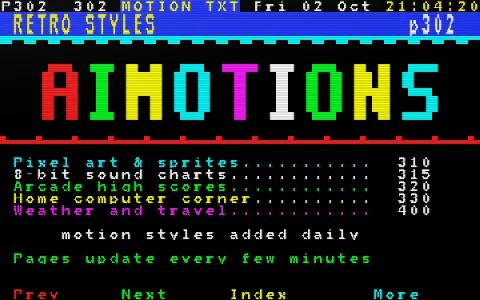
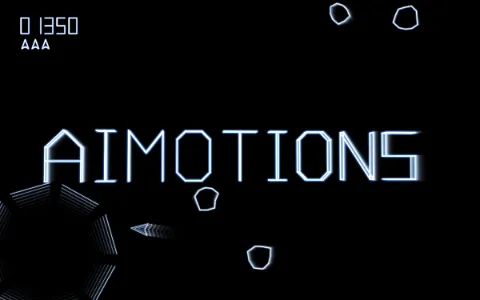
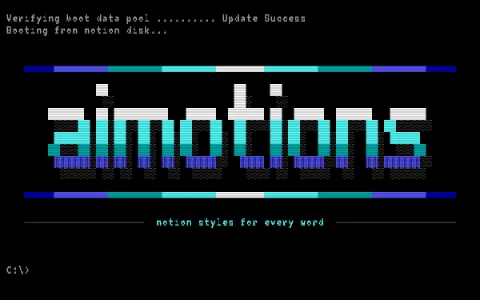
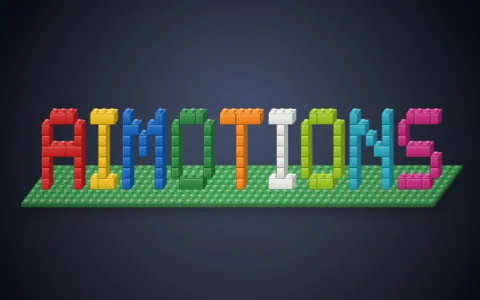
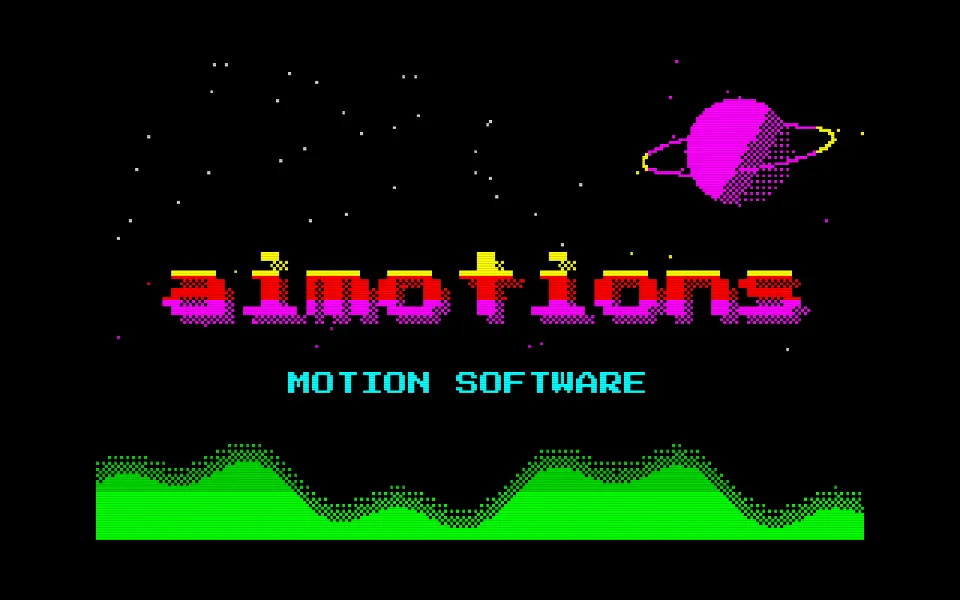
An 8-bit cassette loading text animation: border stripes race as a loading screen paints the word in interleaved lines, then snaps into color cell by cell. Eight-color palette and color clash; for retro-computing and chiptune intros.
Prompt · replace [TEXT]
Tool-agnosticRecreate an 8-bit home computer loading a program from cassette, revealing [TEXT]. Low-resolution screen with a wide colored border around a 256×160 paper area. Start with a white screen and a blinking LOAD prompt. Then the border fills with thin horizontal raster stripes: slowly rolling red and cyan bands for the pilot tone, then fast, jittery blue and yellow hairlines for data. A "Program:" line appears, and the loading picture paints in as black-on-white pixel lines in an interleaved order (every eighth line first, like venetian blinds). Finally the color attributes arrive in 8×8 cells top to bottom, snapping the image into bright color on black with visible color clash: [TEXT] in a chunky 8×8 bitmap font scaled up, banded yellow/red/magenta, with a dithered drop shadow, a ringed planet, stars and green dithered mountains. Border goes black; hold.
Visual DNA
- Thin horizontal raster stripes racing through the screen border
- Red/cyan pilot bands, then blue/yellow data noise
- Bitmap arrives in interleaved lines, like venetian blinds
- Color attributes load last in 8×8 cells, with authentic color clash
- Eight-color bright palette, 8×8 bitmap font, black paper
- Ringed planet, dithered mountains and starfield on the loading screen
- Category
- Retro Computing & Games
- Demo built with
- Canvas
- Energy
- Lively
- Background
- Dark bg
Also known as
Support
Keep aimotions free
Buy me a coffee No paywall, no sign-up. If a prompt saved you an hour, a coffee keeps new styles coming.
Keys: ← → browse · C copy